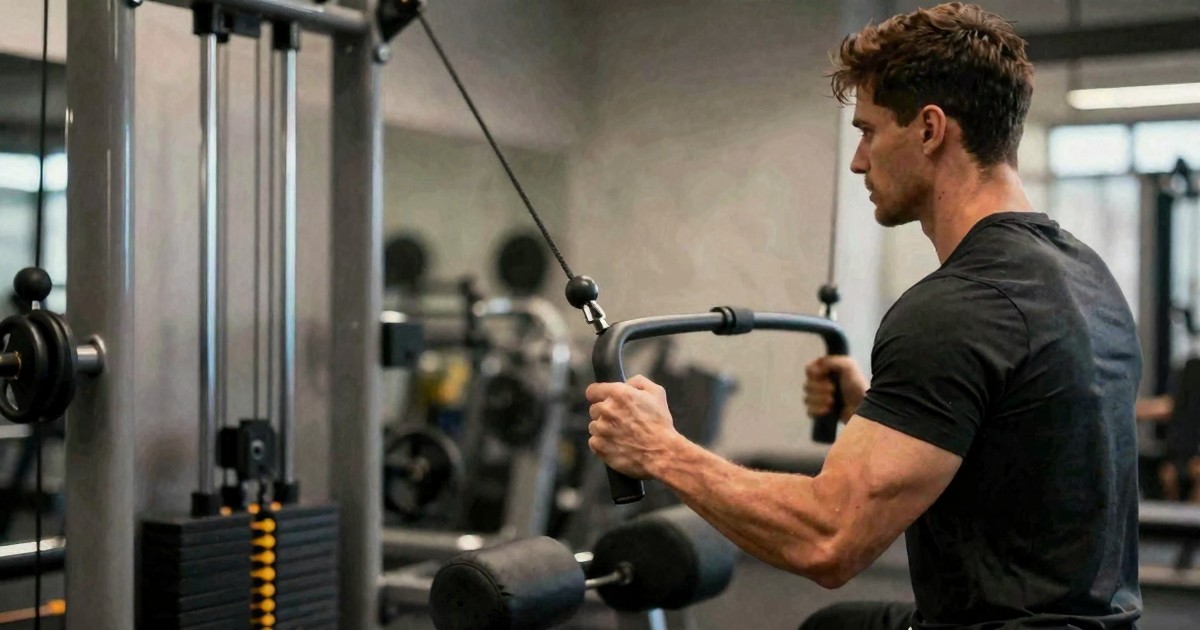
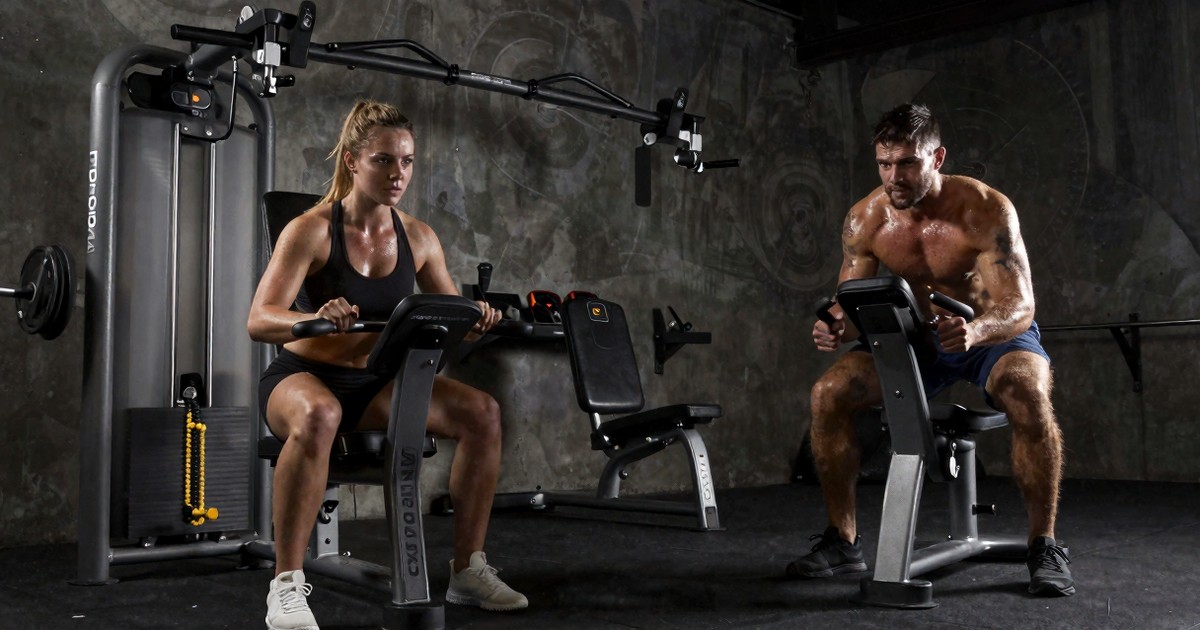
The Standby Mode Tip for Moving Digital Cable Machines
Before you wrestle with a digital cable machine during a move or rearrangement, remember to pull it out of standby. It's a tiny step that makes the cables dramatically lighter and easier to manage.
If you've ever tried to physically relocate a smart cable machine — whether you're sliding it across a garage floor, rotating it to face a new direction, or pulling it out of a tucked-away alcove — you have probably had the exact same experience I did the first time. You grab the cables, you try to walk the unit into its new spot, and the cables feel like they have a mind of their own. Stiff. Resisting. Taut in a way that has nothing to do with your workout.
The fix is almost embarrassingly simple, and it's one of those things nobody tells you until you've already struggled through it once. In the video I posted the other day, I was rearranging a setup and caught myself mid-fight with the cables, so I figured I'd break it down here for anyone else who's about to learn this lesson the hard way.
Standby mode is doing more than you think
Digital cable machines — the kind with a motor, an app, a touchscreen, and all the bells and whistles that make a home gym feel like the future — don't behave like old-school cable columns. There's no free-spinning weight stack sitting at the bottom of the frame waiting for gravity to do its thing. Instead, the cables are tethered to a motor that is constantly making small, almost imperceptible decisions about tension, position, and resistance profile.
When those machines are sitting idle, they tend to be in what's often called standby mode. It's a low-power state, but it's not an off state. The motor is still engaged with the cable. It's still holding a position. It's still managing the tension on the line in a way that, to your hands, translates into stiffness.
Pull the machine out of standby — wake it up, put it into active mode, or simply power it on fully — and the entire character of the cable changes. Suddenly, it's loose. It's slack. It moves freely. It drapes the way you'd expect a cable to drape when nothing is asking it to be anything.
The first time you feel the difference, it genuinely feels like you've unlocked a cheat code.
Why this matters in a home gym
Most people don't have a permanent spot for their cable machine. A lot of us are working with a single bay in a garage, a corner of a basement, or — if you're like me — an alcove that doubles as a tunnel, hallway, or storage zone that occasionally needs to be a hallway again.
That means the cable machine gets moved. A lot.
- You vacuum around it and need to slide it six inches to the left.
- You swap out a bench and need to angle the machine.
- You host a family gathering and the unit has to disappear for the weekend.
- You're doing a bigger reorganization and the machine is going from one wall to another.
Every single one of those moves involves the cables. And if you forget the standby step, you end up in a wrestling match with a piece of equipment that costs more than your first car.
The actual move, step by step
Here's the routine I now go through without thinking. It's taken maybe three months of regular use to make it muscle memory, but it really is just a few seconds of work.
1. Wake the machine up
Tap the screen, press the power button, do whatever it takes to get the unit out of standby and into its active state. On most of these machines, you'll see the screen light up, the motor initialize, and the cable position indicator become responsive.
That's the signal you're looking for. If the screen is dark or showing a screensaver, the motor is almost certainly still in standby.
2. Loosen the cables manually
Once the machine is awake, give each cable a gentle pull. You should feel it give. There should be slack. You should be able to walk the cable ends several feet away from the frame without feeling any meaningful resistance.
If you still feel pull, the machine is probably still partly asleep. Give it another second.
3. Tuck the cables so they don't drag
Now that the cables are loose, lift them up off the floor and slide them over the top of the frame — or whatever retention point your specific unit has. The exact mechanism doesn't matter. The point is to get the cable ends off the ground so they don't catch on a caster, a baseboard, a stray dumbbell, or a cat.
This part is what I was doing in the original clip. Sliding them up and out of the way so they don't become a tripwire or a snag point as the unit rolls.
4. Move the machine
Now the actual move. Whether you're pushing, pulling, or rolling on casters, this should feel like moving a normal piece of gym equipment. The cables are loose. The frame is light (relatively). You're not fighting anything except the floor.
5. Reverse the process
Once the unit is in its new spot, drop the cables back down, position them where you want them for your next session, and then — if you want — put the machine back into standby. Many units will do this automatically after a period of inactivity, but I usually trigger it manually so I'm not waiting around.
The thing you actually forget
Here's the part that I think trips people up, and it's the part I tried to call out in the original short. The cables feel heavy and resistant when you're trying to move the unit, so your brain immediately jumps to the conclusion that the machine is heavy, or that the cables are stuck, or that there's something wrong with the equipment.
None of those are true. The cables feel that way because the motor is holding them. It's an active hold, not a passive one. You're not fighting the cable's natural stiffness — you're fighting the resistance the motor is applying to keep its position consistent.
Once you understand that, the standby step stops being a tip and starts being obvious.
A broader lesson about smart gym equipment
This is, honestly, just one example of a much bigger category of knowledge that comes with smart home gym gear. These are not dumb machines. They have states, modes, settings, and behaviors that affect how they feel and how they interact with you in ways that aren't always obvious from the outside.
Other examples I've bumped into:
- Machines that default to a starting resistance that doesn't match your previous workout.
- Units that log out of their companion app if you haven't touched the screen in a while.
- Resistance profiles that change depending on whether you're in a "free" mode or a "class" mode.
- Auto-calibration routines that fire the first time you use the machine in a new session.
None of this is bad — it's just a different mental model from the one most of us grew up with in commercial gyms. The learning curve is real, but it's also one-time. Once you've figured out the gotchas, the equipment is genuinely a pleasure to use.
Save yourself the wrestling match
If you're about to do your first move with a digital cable machine, take thirty seconds, wake the unit up, give the cables a quick pull to confirm they're loose, and then proceed. That's it. That's the whole tip.
You'll save yourself some frustration, you'll avoid any awkward moments where the cable catches on something and yanks the unit off course, and you'll probably also avoid that specific flavor of annoyance where you feel like you paid a lot of money to be in a fight with a piece of exercise equipment.
It's a small thing. But like most small things in a home gym, it's the kind of small thing that, once you know it, you can't imagine not knowing.
Choose the next view
Move from the story into the underlying training data
Explore the weekly plan, video library, and the best place to start with the site.