One entry point per job
Descriptive Python entry points route directly into platform-specific Android (ADB) and iOS workers rather than burying execution in an unmaintainable monolith.
Gift sending, friend requests, GO Battle League, trades, transfers, and berry feeding in one documented toolkit for Android and iOS devices.
The project
This project brings the repetitive parts of my daily Pokémon GO routine into a unified Python automation toolkit. A concise set of named commands coordinates gift sending, friend code queuing, GO Battle League matches, peer-to-peer trading, bulk transfers, and berry feeding across tethered devices.
The public architecture separates reusable device-interaction logic from private credentials. You supply your own device identifiers, screen resolutions, and friend lists. The codebase provides the complete execution pipeline so another developer or AI coding agent can reproduce the setup on independent hardware.
Media & Artifacts
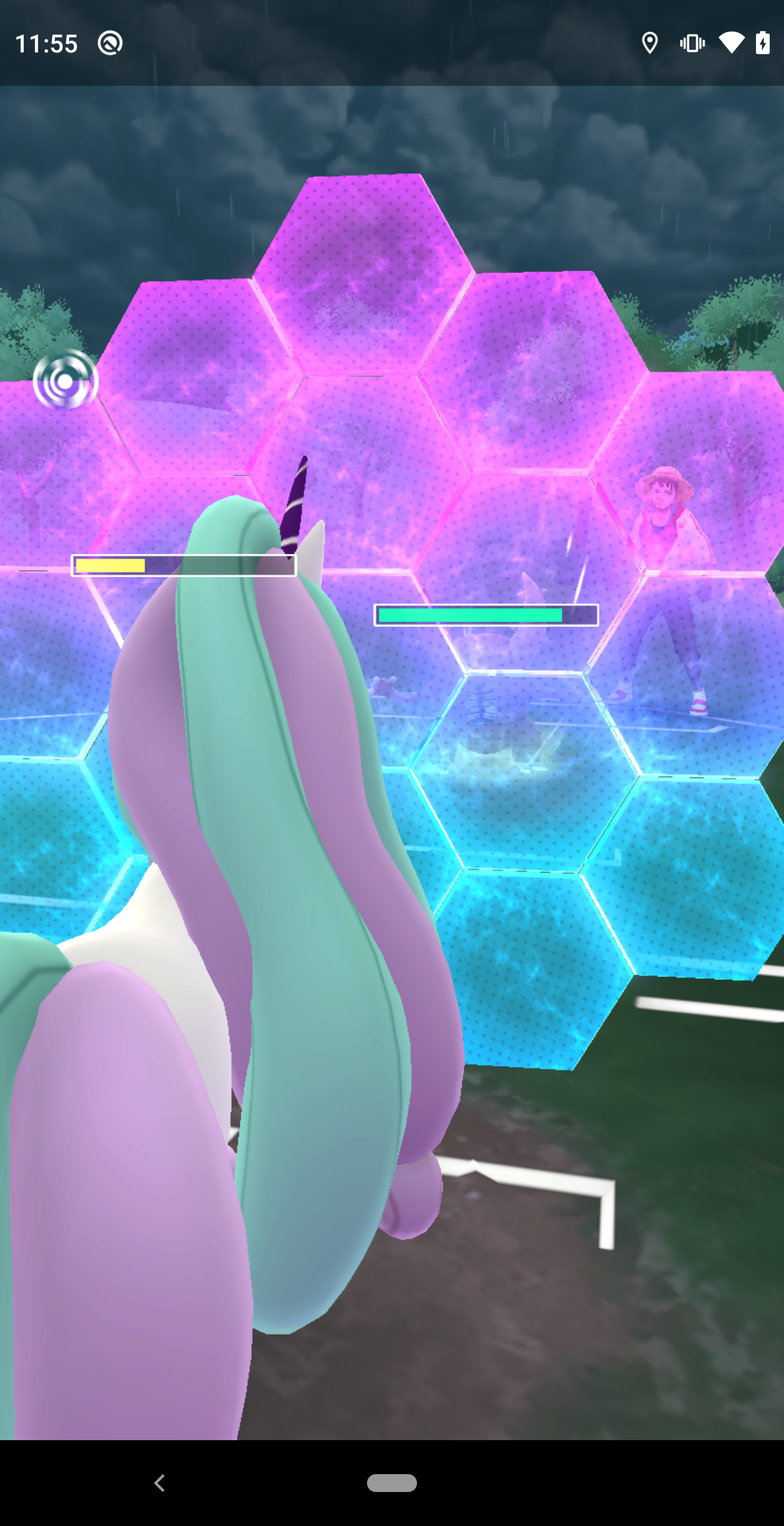
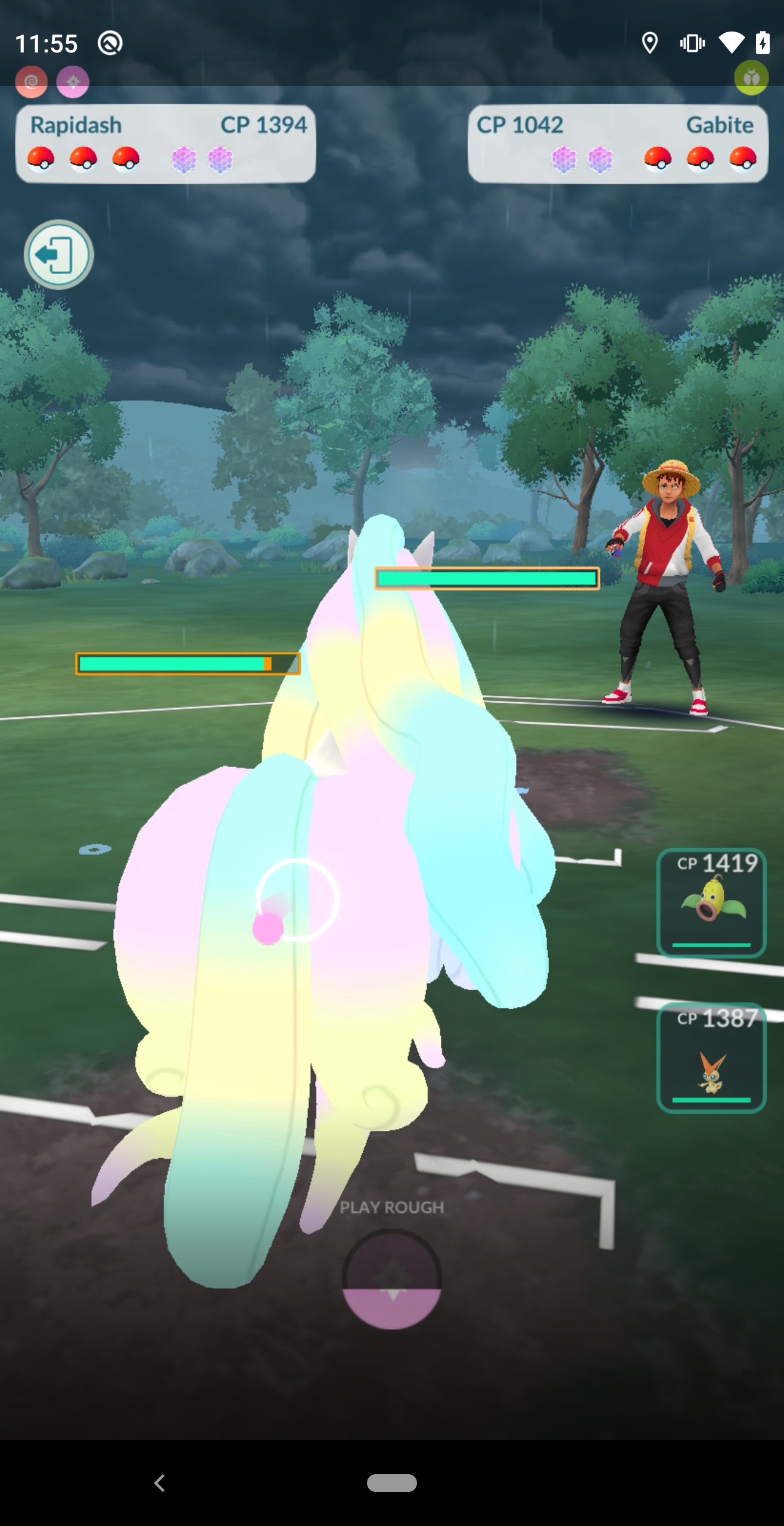
Sub-pixel template matching and frame timing to trigger defensive protect shields against incoming opponent charged moves.
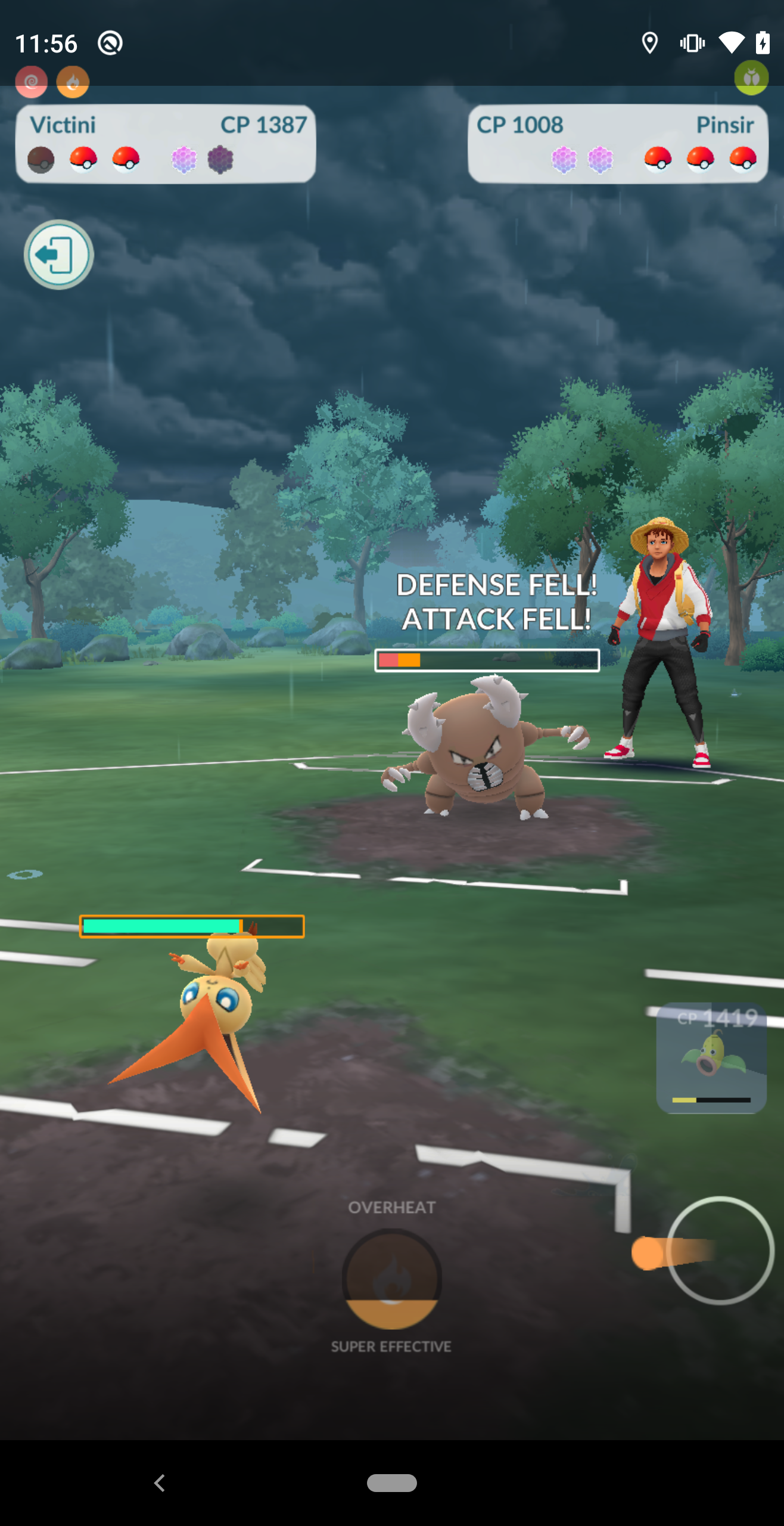
Real-time optical frame evaluation detecting super-effective multipliers, charged move mini-game swiping, and stat changes.
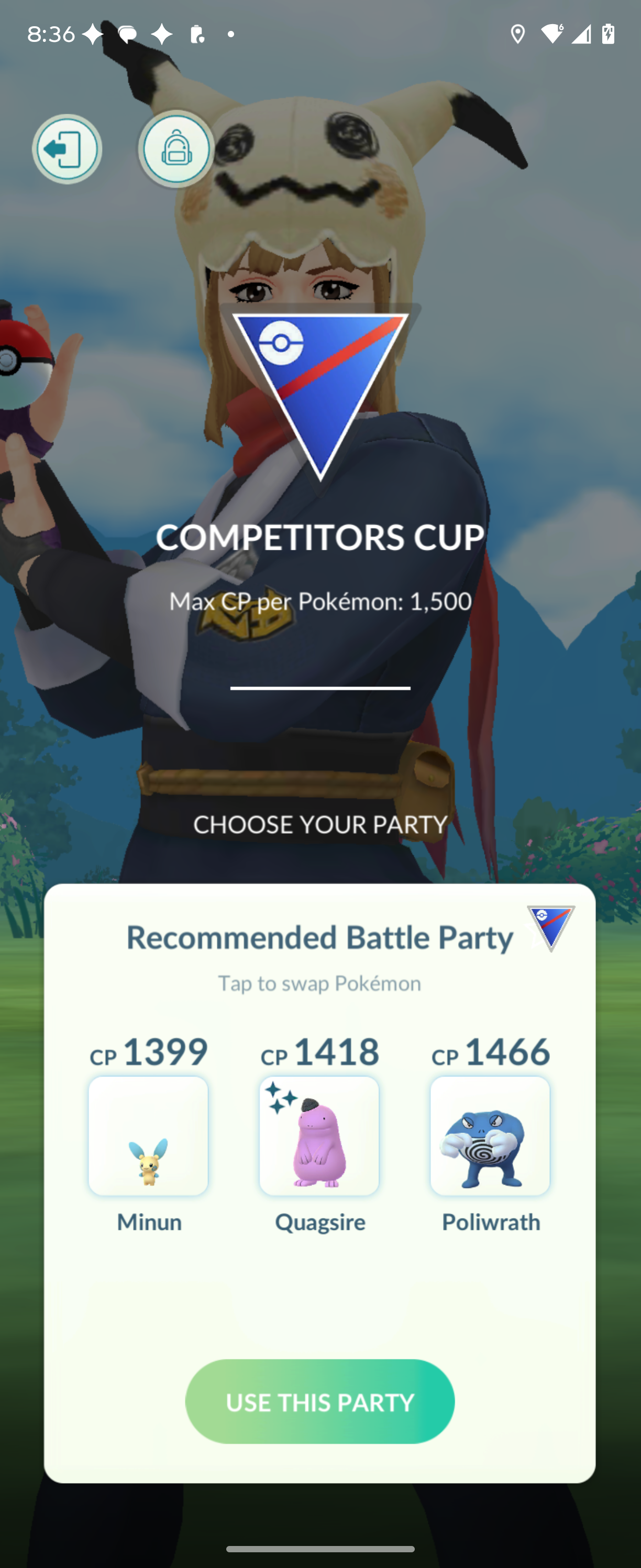
Automated league navigation, party composition verification, and match queuing without manual inputs.
Inside the project
Descriptive Python entry points route directly into platform-specific Android (ADB) and iOS workers rather than burying execution in an unmaintainable monolith.
Device discovery, battery thresholds, readiness checks, and optional remote-machine dispatch operate independently from game-specific loops.
Device serials, machine IPs, account tokens, friend lists, and execution logs stay strictly within private configuration directories, using generic templates in version control.
Running any command with --plan previews device routing, screen coordinates, and target counts without touching physical game state.
The public entry points
Run these commands from the repository in your Python environment. The examples preview workflow routing; fleet.py status checks readiness. Each entry file links to the public source.
send_gifts.pySend gifts using the platform-specific friends-list workflow and the selected fleet.
Preview the plan
python send_gifts.py --count 1 --planadd_friends.pyRun the friend-request workflow with trainer codes supplied in your private configuration. Keep real codes and queue files out of version control.
Preview the plan
python add_friends.py --planbattle_league.pyRoute to the Android or iOS GBL implementation. Consult the workflow options and verify the starting game screen before executing battles.
Preview the plan
python battle_league.py --count 1 --plantrade_pokemon.pyCoordinate a selected pair of devices for the trading workflow. Select two devices on the same host. Pair names come from your private inventory; these names are examples.
Preview the plan
python trade_pokemon.py --pair android-one android-two --count 1 --planImplementation
sources/pokemon_fleet.pytransfer_pokemon.pyUse the platform-specific transfer workflow for collection cleanup. Review the search, selection, and protection behavior before a live run.
Preview the plan
python transfer_pokemon.py --count 1 --planfeed_berries.pyRun the berry-feeding workflow through the same device-selection and planning conventions.
Preview the plan
python feed_berries.py --spend 1 --planfleet.pyRead the configured inventory and report readiness before launching a workflow. Use the fleet documentation when adding remote machines.
Behind the Scenes
Rather than blindly sending tap events on fixed timers, the pipeline samples screen frames using fast ADB framebuffer grabs, applying OpenCV template matching to confirm animations completed.
Devices run prolonged background batches. The fleet monitor polls battery levels and CPU temperatures, inserting cool-down intervals when thermal throttling threatens frame rates.
A practical starting point
Set up Python dependencies and verify ADB connectivity for Android devices or the documented WebDriverAgent connection for iOS hardware.
Copy pokemon-fleet.example.yaml into ~/.config/pokemon-go-automation/ and map your connected device serials and screen calibrations.
Run python fleet.py status to verify battery and connection health, then execute your target command with --plan.
Execute live workflows with small batches while monitoring the physical screen to verify gesture alignment and network latency tolerances.
Build on the work
Start a new AI coding session with AGENTS.md and the AI handoff guide. Then supply your own environment details privately. The guides connect each command to its configuration, implementation, and verification steps.
Installation, entry points, and the project overview.
README.mdPrepare your environment and run the initial checks.
docs/getting-started.mdInventory, connection settings, and generic examples.
docs/configuration.mdOptions and operating steps for each command.
docs/workflows.mdHow commands, fleet routing, and device workers fit together.
docs/architecture.mdFind the source file responsible for each part of the system.
docs/file-reference.mdContext and reproduction steps for another coding agent.
docs/ai-handoff.mdSeparate code checks from live physical-device evidence.
docs/testing.mdKeep personal inventory and runtime data out of the public repository.
docs/privacy.mdCurrent context
These workflows interact directly with the Pokémon GO interface on physical hardware. Screen layouts, game updates, and network lag can alter timing. Always review proposed trades and transfers with --plan prior to live runs.