Starting the Day Across My Pokémon GO Phones
The daily starter brings free Mega Evolution progress, buddy care, gifts and GO Battle League into one routine, with previews and checks for each phone.
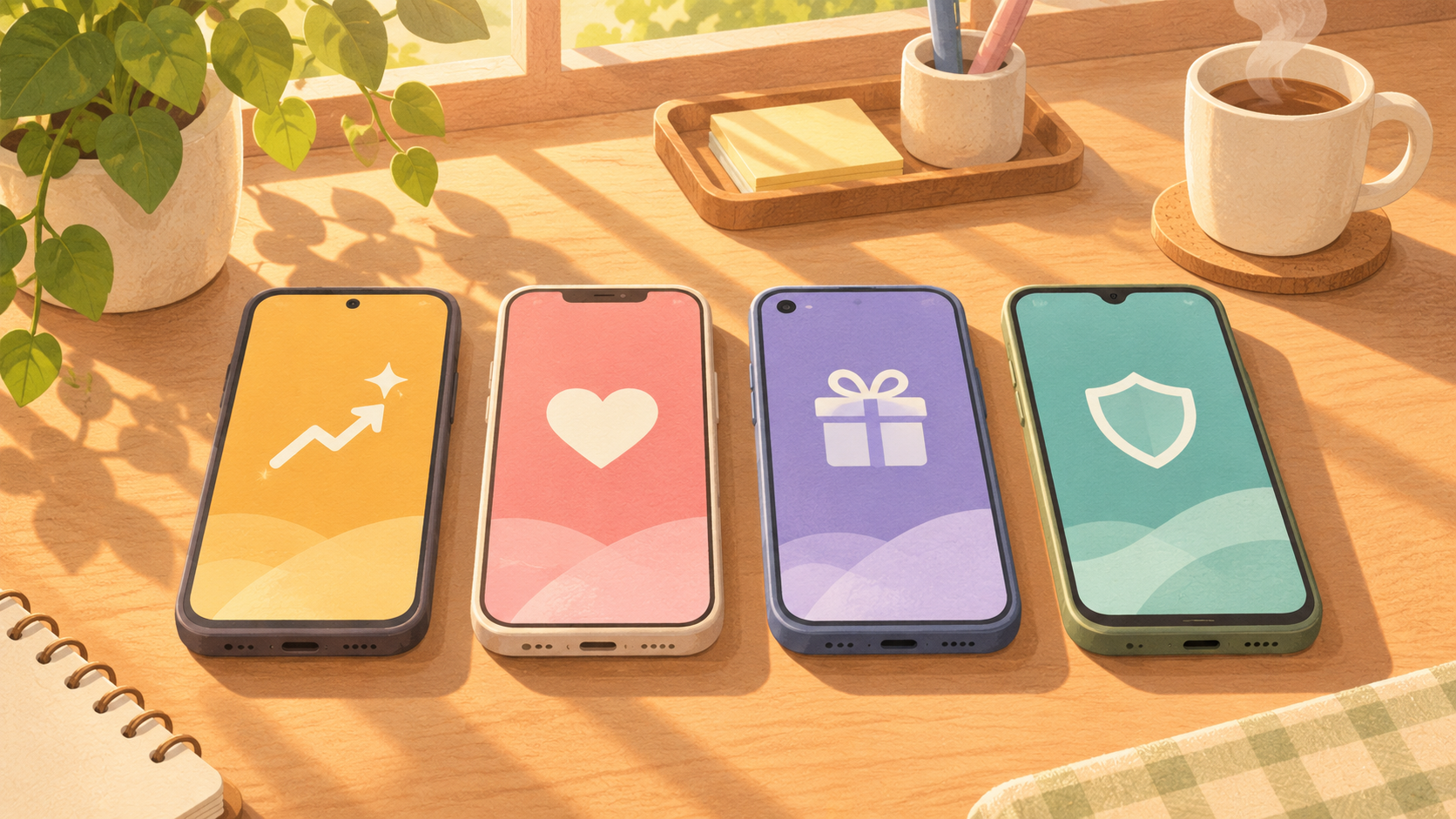
My Pokémon GO toolkit now has a daily starter routine: work through free Mega Evolution progress, take care of the buddy, send gifts, and then begin the day's GO Battle League run. Each phone follows the same order, while several phones can work alongside one another.
That puts a sequence around jobs that otherwise need separate setup. The starter moves each phone between the relevant screens and hands it off to the existing gift and battle tools. A phone can reach its next job without waiting for every other phone to finish the same step.
The routine was added to the public documentation on November 4. It builds on the broader automation toolkit I described in October, with a more specific purpose: getting the day's repeated tasks into a consistent order.
Four steps, starting from the map
The starting point is a connected phone showing the game map. The documented sequence has four parts.
1. Free Mega Evolution progress
The first step opens Pokémon storage, finds the tag named mega, and checks the Pokémon in it. It attempts a Mega Evolution or Primal Reversion when the button shows the energy icon without a number. If a number is present, indicating an energy cost, it skips that Pokémon.
Only one Pokémon can be Mega Evolved at a time, so each evolution replaces the previous one. The purpose of this step is daily Mega Level progress. It does not press the separate LEVEL UP control on the Mega Level page.
2. Buddy care
Next comes the buddy's play screen. The documented routine gives up to three berries, takes one snapshot, and pets the buddy until the mood ring is fully pink. The berry type and count are configurable; the default is Razz Berry.
It then reads the buddy profile for three results: a heart for giving a treat, a heart for playing together, and a heart for taking a snapshot. Those visible results are the checks to look for when reviewing a run.
3. Gifts
After buddy care, the starter opens the friends list and hands that phone to the existing gifts-only workflow. That workflow opens and sends gifts according to its selection rules, available gifts, and game limits.
4. GO Battle League
The final step returns to the map and starts the daily GBL workflow for that phone. It handles the day's battle allotment using the existing battle tool. Available cups, reward screens, connection quality, and the game's limits still affect how far a run can proceed.
Try only the part you need
The starter does not have to run the entire sequence every time. Its --only and --skip options let you choose the relevant steps. You can also select particular phones rather than including everything connected.
That makes a small first test practical. For example, you can inspect the Mega and buddy steps on one selected phone before considering the gift and battle handoffs.
There are two preview options with different purposes:
- --plan lists the configured phones and planned steps. It does not establish that the phones are connected or that an action will succeed.
- --dry-run navigates the Mega and buddy screens and reports what it finds. It does not evolve, feed, photograph, or pet anything, and it skips gifts and GBL.
A dry run still moves through the interface, so start from the expected screen and watch what happens. Use explicit device names for a narrow test. The project's documentation warns that selecting all devices can also include connected Android phones that are not listed in the private registry.
Know what happened on each phone
If a step cannot reach its expected screen, the starter reports the problem and moves that phone to the next step. The sequence can continue even when an earlier step has not completed. It also means a phone reaching GBL is not proof that its earlier buddy care succeeded.
Check the results you actually care about: the expected evolution state, the buddy hearts, and the gift or battle outcomes. The public testing guide distinguishes code checks, plans, live screen observations, and verified actions on physical phones. Each answers a different question.
This is an independent, screen-driven project. Game-interface changes and phone differences can affect it, so a documented feature should not be read as a promise that every device will complete it unattended. Review the game's rules before deciding whether to use automation on an account.
A repeatable starting point
The daily starter brings several existing tools into one ordered routine. Its useful parts are the handoffs, the ability to choose individual steps, and the checks that help show where a phone got to.
Start with a plan, try a narrow dry run, and supervise the first real use. Keep device details, account information, and run history in private configuration and state folders. The public workflow guide explains the sequence and options, and the project overview covers setup and the surrounding tools.
Choose the next view
Move from the story into the underlying training data
Explore the weekly plan, video library, and the best place to start with the site.