Don’t Let a PR Glitch Sabotage Your Workout
A warm-up tweak should not rewrite your whole session. Here’s why one reported Speediance weight mix-up matters—and how to avoid it until the behavior is clarified.
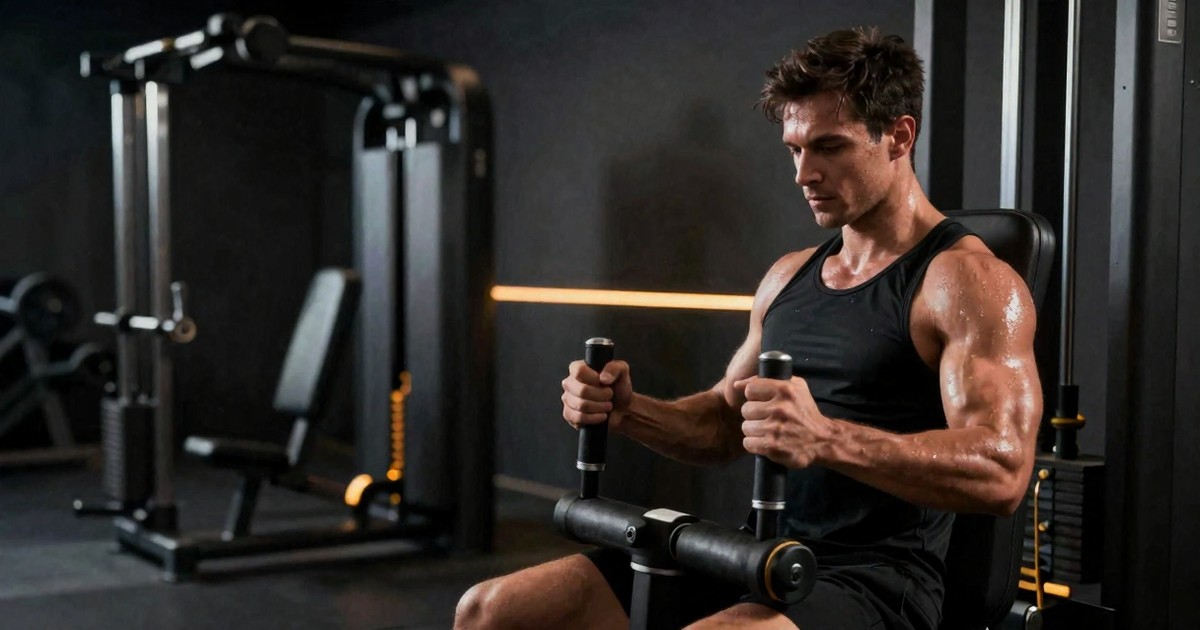
If you train with connected strength equipment, you expect convenience, personalization, and smart progression. What you do not expect is for a simple warm-up tweak to potentially throw off your working weights.
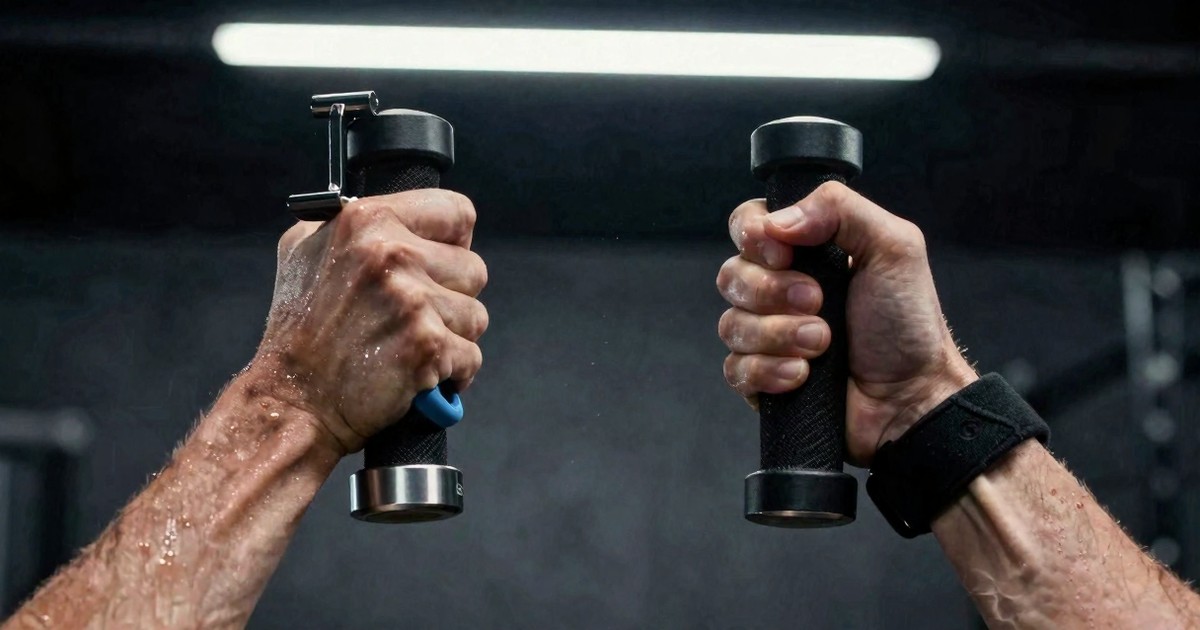
That is the issue raised in a recent user report: someone customized dumbbell curls to 10 pounds for a warm-up, then moved into dynamic mode expecting their actual work sets to load at a much heavier number—33 pounds. Instead, the machine set the working sets to 10 pounds.
That is not just annoying. It can derail the intent of an entire session.
Based on the transcript, there is still one major unanswered question: had the user already completed a strength assessment before making that customization? That missing detail matters, because it could determine whether this was a workflow misunderstanding, a software logic issue, or a genuine PR-related glitch.
What appears to have happened
Here is the scenario as described:
- The user was doing dumbbell curls.
- They used the customize feature and set the weight to 10 pounds.
- They intended that 10 pounds to be a warm-up load.
- They then entered dynamic mode and added dumbbell curls at the weight they actually wanted for work sets.
- They expected to get 10 pounds for the warm-up and 33 pounds for the work sets.
- Instead, the machine set the working sets to 10 pounds.
That result suggests the system may have interpreted the customized weight as more than a temporary exercise adjustment. If the machine treated that 10-pound input as a meaningful performance marker—possibly even a new PR-related reference point—it would help explain why the working sets also dropped.
Even if that is not exactly what happened behind the scenes, the practical outcome is the same: the software did not preserve the distinction between intentional warm-up load and intended training load. For users, that distinction is everything.
Why the strength assessment question matters
The transcript repeatedly highlights the unknown: did the user complete a strength assessment first?
If the answer is yes, then the concern becomes much more serious. In that case, the machine should already have a baseline for dumbbell curls or at least a framework for recommending working weights. If changing the exercise to 10 pounds for a warm-up caused the software to reinterpret that number as the user’s new performance reference, that would point to a logic problem.
In plain English: a temporary warm-up setting should not overwrite the number that drives your work sets.
If the answer is no, then the explanation could be simpler. Without a prior assessment, the platform may have had limited information about what the user should actually lift. In that situation, entering 10 pounds in customize mode may have become the strongest—or only—weight signal the system had available for that movement.
That still would not be ideal user experience, but it would be different from a confirmed PR glitch. It would suggest the platform needs better guardrails, clearer labeling, or a cleaner setup flow before it can be trusted to infer training intent.
Why this matters in real training
This is not a minor UX footnote. Weight selection is one of the core promises of smart gym systems. If an athlete expects a machine to differentiate between a warm-up and a work set, the software has to respect that context.
When it does not, several things can go wrong:
- Training quality drops: Work sets that are too light fail to deliver the intended stimulus.
- Session flow breaks: You spend time troubleshooting instead of training.
- Confidence in the platform takes a hit: Users stop trusting recommendations when the machine behaves unpredictably.
- Progress tracking gets muddy: If the system misreads setup changes as performance data, future recommendations may also be off.
For lifters using connected equipment, trust is everything. The machine does not just hold resistance—it makes decisions. Once users start second-guessing those decisions, the “smart” part of the system becomes a liability instead of an advantage.
This is especially important in a strength context, where load selection shapes the entire session. Too heavy, and form or joint comfort may suffer. Too light, and the athlete may leave adaptation on the table. A machine that automates load selection has to be reliable enough that the user does not feel compelled to manually audit every decision.
What makes this sound like a software glitch
The speaker in the transcript says it plainly: “That seems like a software glitch to me.” Based on the described behavior, that assessment is fair.
A well-designed training system should separate at least three things:
- Temporary warm-up selections
- Current session working weights
- Long-term performance markers like PRs or assessment-derived baselines
If one lightweight customization can unintentionally collapse those categories into a single number, the decision logic needs another look.
To be clear, we do not have the full support thread, the account history, or confirmation of the exact steps the user took. That means we should avoid overstating the case. But from the scenario alone, it is easy to see why athletes would call this a glitch rather than simple user error.
The problem is not just that the machine picked the wrong number. The deeper issue is that the software may not have communicated what a manual change actually means. If a customized warm-up weight can influence subsequent recommendations, users need to know that. If it is not supposed to do that, then the observed behavior deserves investigation.
A good sign: the team reportedly reached out
One of the more encouraging details in the transcript is that the Speediance team reportedly contacted the user directly. That matters.
Connected fitness hardware lives or dies by support quality. Bugs happen. Edge cases happen. Unclear workflows happen. What separates a frustrating product from a trustworthy one is how quickly the company responds and whether it takes user reports seriously.
According to the transcript, once the team reaches out, they typically move the conversation into direct messages and work through the issue there. That is a positive signal. It suggests the company is monitoring community feedback and trying to resolve problems rather than ignoring them in public comment sections.
Still, direct support helps one user. A software fix—or at least a clearer explanation of intended behavior—helps everyone.
How to avoid this problem in your own workouts
Until the behavior is clarified or patched, the safest move is to be extra deliberate with how you handle customized warm-ups.
1. Complete any strength assessment first
If your machine offers an assessment to establish training baselines, do that before heavily customizing movements. It gives the platform a more reliable starting point and reduces the odds that the system is guessing.
2. Double-check weights before starting work sets
Do not assume the machine interpreted your intent correctly. Take a few seconds to confirm the programmed working weight before the set begins. That quick check can save the whole session.
3. Be cautious when using customize for warm-ups
If customize mode is not clearly labeled as “warm-up only,” treat it carefully. A temporary change may have broader consequences than you expect.
4. Watch for exercise-specific odd behavior
The report here involved dumbbell curls specifically. That does not prove the issue is limited to one movement, but it is a reason to pay attention when repeating similar setups on isolation exercises or any movement where the machine may have less historical data.
5. Document what you did if something goes wrong
If you hit the same issue, write down the order of steps: assessment status, exercise selected, custom weight entered, dynamic mode behavior, and what weight loaded. That gives support something actionable to investigate.
6. Look at trends, not one-off surprises
If this happens once, it may be an isolated bug or setup edge case. If it happens repeatedly on the same movement or after the same sequence of steps, that is a stronger signal that the behavior is systematic. Patterns are what help support teams reproduce and fix problems.
The bigger lesson for smart fitness tech
This story points to a broader truth about modern training equipment: software details matter just as much as hardware quality.
In traditional free-weight training, you decide what goes on the bar or which dumbbells you pick up. In smart gyms, you share that control with the machine. That trade-off can be fantastic when the software understands context. It can be maddening when it does not.
The best connected fitness platforms need to think a little more like good coaches. A good coach knows the difference between a warm-up, a test, a working set, and a personal record. A good coach also knows that a lifter changing to 10 pounds for a prep set is not declaring, “This is my new benchmark.”
If the system cannot reliably make those distinctions, it risks confusing convenience with automation. And when the automation is wrong, the user pays for it in wasted time, compromised session quality, and reduced trust in the platform.
That is why reports like this matter even when the evidence is incomplete. They highlight where real-world product use can expose assumptions the software may be making incorrectly. In connected training, edge cases are not just technical quirks—they are moments that shape whether users trust the product enough to keep using its recommendations.
Final thought
We do not yet know whether this was a confirmed PR glitch, an edge case tied to skipped assessment setup, or a one-off workflow issue. But the underlying concern is legitimate: a warm-up customization should not unexpectedly dictate your working sets.
If you use Speediance or any other smart strength platform, this is a good reminder to stay engaged with your programming, not passive. Trust the tech—but verify the load.
Because when your machine gets the numbers wrong, the workout you planned and the workout you actually do can become two very different things.
Keep comparing
Make the next smart-gym decision with the full picture
Move from one review into model comparisons, real lifting data, and the matching video demonstrations.