Speediance Spotter Modes Explained for Safer Drop Sets
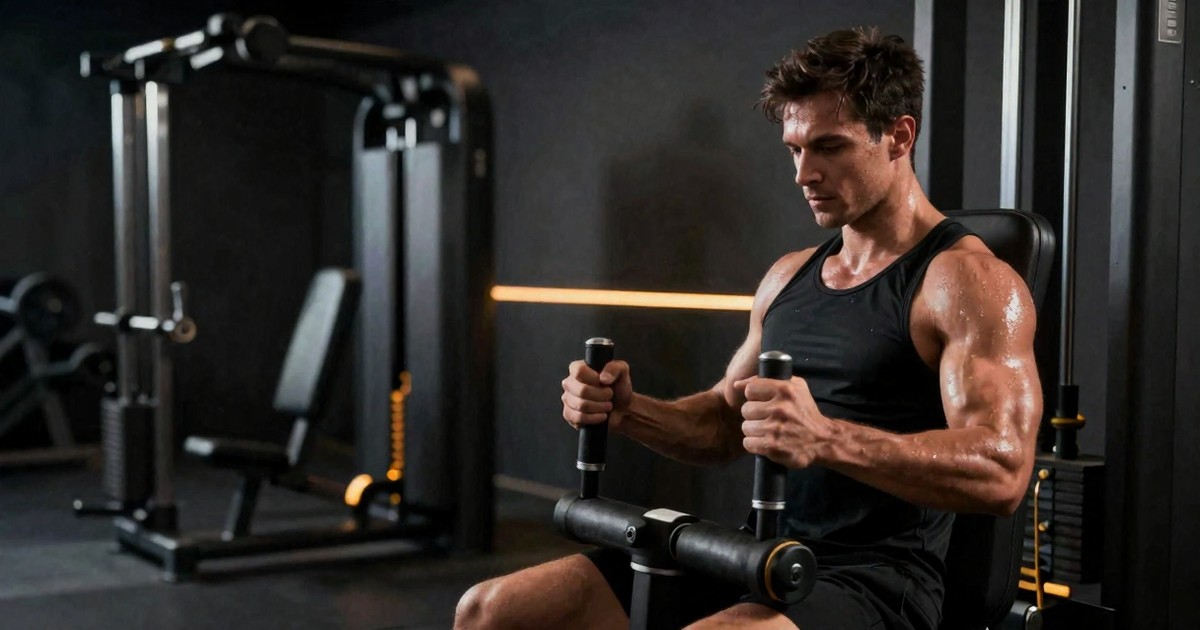
Speediance spotter modes can make solo training smoother and safer—but only if you understand how they behave under fatigue. Here’s what to know before you trust them in a hard set.
If you own a Speediance and you’ve ever wondered whether the spotter modes are actually useful, here’s the short answer: yes—but one mode stands out far more than the other.
After looking at real-world use, testing both assist modes, and comparing them against the realities of training alone, the conclusion is pretty clear. If your goal is safer lifting, practical drop sets, and a spotter function that behaves the way most people expect, one option is clearly better suited to the job.
That matters because this isn’t just a convenience feature. It changes what happens when a set gets ugly, when fatigue hits fast, or when you need the machine to help instead of adding chaos at the worst possible moment.
Why this matters
The original question came from a practical problem. Some Speediance users used to do drop sets by manually turning the ring dial during a set. That worked better with older hardware, but newer Bluetooth handles make that kind of mid-set adjustment less natural. So the obvious question became: can Speediance’s spotter modes replace manual drop sets?
The answer is yes—at least in part—but not every assist mode solves the problem equally well.
There’s also a bigger issue underneath the question: safety. Smart cable machines like Speediance and Tonal are often compared to free weights, but many of those comparisons ignore how people actually train at home. Most people are not lifting with two attentive spotters standing by. They’re training alone, often after work, sometimes tired, sometimes distracted, and sometimes making decisions under fatigue that they would not make fresh.
In that context, machine safety features matter a lot. A digital cable system doesn’t just need to feel smooth when everything goes right. It needs to respond well when reps slow down, form deteriorates, or the user suddenly needs help.
What Spotter Mode 2 actually does
Spotter Mode 2 behaves more like what most people picture when they hear the phrase “digital spotter.”
When you begin to fail a rep, it reduces the load. If you continue to struggle and hold the position, it keeps reducing the resistance further. In practice, that creates something very close to an automatic drop set:
- You begin at your programmed weight.
- As fatigue builds, the machine lowers the resistance enough to help you continue.
- If you keep holding or grinding, it steps the load down further.
- Your next rep begins from that lower resistance instead of immediately snapping back to the original number.
That detail is what makes it useful. It doesn’t just rescue one rep and pretend nothing happened. It creates a staircase downward that allows the set to continue in a more controlled way.
For drop sets, that is exactly what many people want. Instead of fumbling with controls mid-set or trying to think through a manual weight change while exhausted, the machine responds to your output. It is smoother, more practical, and much less disruptive to the rhythm of the set.
It also has obvious safety value. If you get pinned and continue holding, a useful assist mode should keep helping instead of forcing you into a prolonged fight with the machine. That behavior matters more than marketing language ever will.
Why Spotter Mode 1 feels less useful
Spotter Mode 1 sounds reasonable on paper, but it can feel less decisive when it matters most.
Instead of stepping the weight down aggressively as fatigue builds, it may reduce resistance too slowly or too lightly in the exact moment when a lifter expects meaningful help. More importantly, it may not feel as reliable in a prolonged bailout situation where the user needs continued reduction rather than a brief nudge.
That makes it weaker in the two scenarios that matter most:
- Drop sets, where fast repeated assistance is the whole point
- Safety bailouts, where you want the system to keep helping until you are clear
If one assist mode feels like a spotter who quickly grabs the bar when you are failing, the other can feel like a spotter who hesitates, helps a little, and leaves you doing too much of the work yourself.
That does not necessarily mean Spotter Mode 1 has no place at all. Some users may prefer a lighter touch or find a narrow use case where it feels less intrusive. But as a practical recommendation for most solo lifters, it is harder to make the case for it.
The cleanest way to do drop sets on Speediance
If your goal is to use Speediance for drop sets, the cleanest approach is simple:
- Program a hard set that will realistically push you into fatigue
- Turn on Assist 2 before starting
- Let the machine reduce resistance as your output drops
- Keep your eyes on the screen when the movement allows it
This works especially well on exercises where you can safely monitor the display and feel the machine step down the load as needed.
It is a better setup than manually dialing the weight down in the middle of the set. That older method is clunky, especially now that many users prefer Bluetooth handles. It also adds unnecessary cognitive load right when fatigue is highest. One of the biggest advantages of digital resistance is that the machine can handle some of that complexity for you.
The biggest safety lesson: face the machine when you can
One of the smartest practical takeaways has nothing to do with software. It has to do with orientation.
For many lifts—especially squats, presses, and movements where you can choose your direction—facing the machine gives you faster access to the screen and controls. If something feels off, you can hit the screen, the ring, or a hardware control more quickly.
That sounds obvious, but it matters. Plenty of promotional videos show athletes facing away from the machine because it looks cleaner on camera. That does not automatically make it the smartest setup for solo training.
If you can safely face the machine for a movement, that is often the better call.
A safety habit that matters more than people think
Another practical rule is simple: bring yourself to the attachment, not the attachment to you.
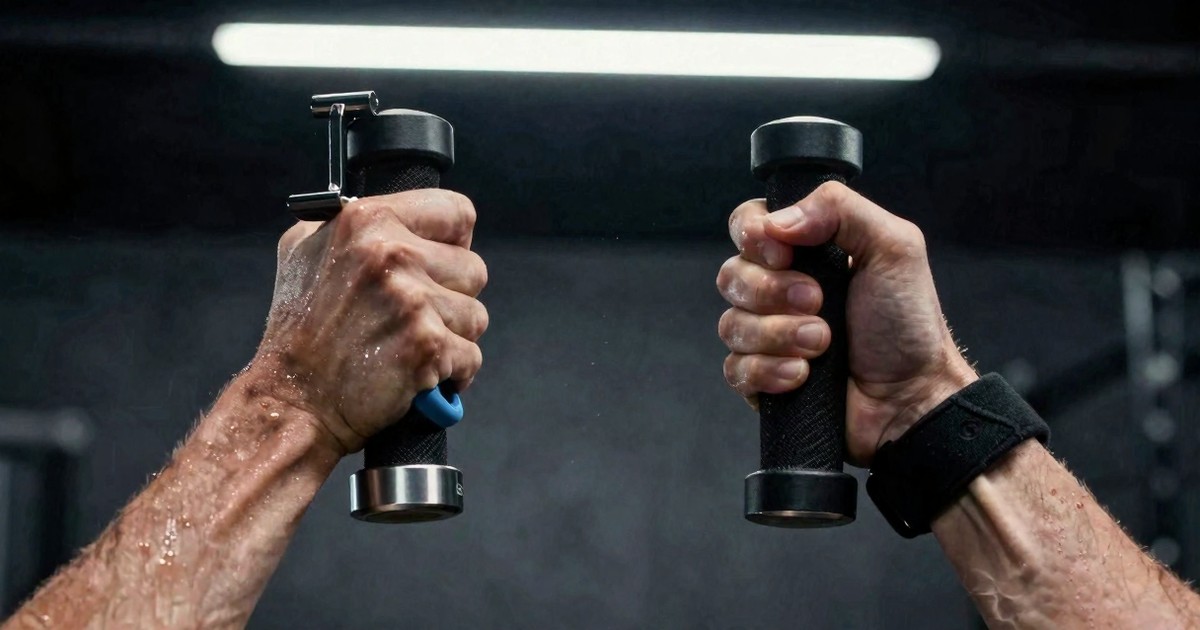
When you are clipping in a bar, rope, or handle, do not lift the cable end up toward your face and try to connect it there. Instead, squat or kneel down and make the connection lower and closer to the machine, where everything is more stable and less likely to move unpredictably.
This matters because controls can be sensitive and mistakes happen fast. If you accidentally trigger tension while clipping in, a cable or attachment already near your face is a much bigger problem than one kept low and controlled. Safer setup habits are boring—until they prevent an injury.
Why digital machines can be safer than free weights for solo lifters
This may annoy purists, but for people training alone, the argument is hard to dismiss.
Free weights are excellent tools. They are versatile, effective, and proven. But without a spotter, without coaching, and without perfect judgment, they also leave more room for ugly outcomes. Anyone who has trained alone long enough has a story about missing a rack, grinding through a rep that should have been shut down, or realizing a load choice was too ambitious one second too late.
Digital resistance machines do not eliminate risk, but they can add layers of protection:
- On-screen stop controls
- Ring or handle shutoff options
- Safety-trigger behavior tied to position or motion
- Programmable assistance modes
- More controlled resistance changes during fatigue
That does not make them foolproof. You can still train carelessly. But for solo lifters, a well-designed cable machine with multiple bailout options can be a safer environment than heavy free weights taken close to failure without backup.
The one downside: tracking is not perfect
There is one fair criticism of machine-assisted drop sets: tracking.
Like other smart systems, Speediance may do a better job helping you perform a drop set than helping you analyze it later. If the platform logs the set as total volume without clearly showing each drop point and resistance change, data-focused users may feel shortchanged.
If you care deeply about exactly when the first drop happened, how many reps occurred at each lower level, and how fatigue changed across the set, you may still want your own notes. For many users that is a small tradeoff. For people who obsess over training data, it is a real limitation.
Final verdict
If you are using Speediance and trying to decide which spotter mode deserves your trust, the practical takeaway is straightforward:
- Use Spotter Mode 2 when you want a better drop-set experience
- Use Spotter Mode 2 when safety assistance is the priority
- Be cautious about relying on Spotter Mode 1 for bailout-style help
And regardless of mode, the bigger safety habits still matter:
- Face the machine whenever the exercise allows it
- Keep as many stop methods available as possible
- Attach cables low and stable, not up near your face
- Train with the assumption that fatigue will eventually make you less careful
That is the real lesson. The smartest setup is not the one that looks coolest in a video. It is the one that still protects you when you are tired, distracted, or pushing close to failure.
For solo training, that difference matters a lot.
Keep comparing
Make the next smart-gym decision with the full picture
Move from one review into model comparisons, real lifting data, and the matching video demonstrations.