← Back to gear list
🤖 AI & Tech Essential Self-Hosted
OpenClaw on Mac Studio
My scale-up path when I need more local model headroom than the M1 Mini.
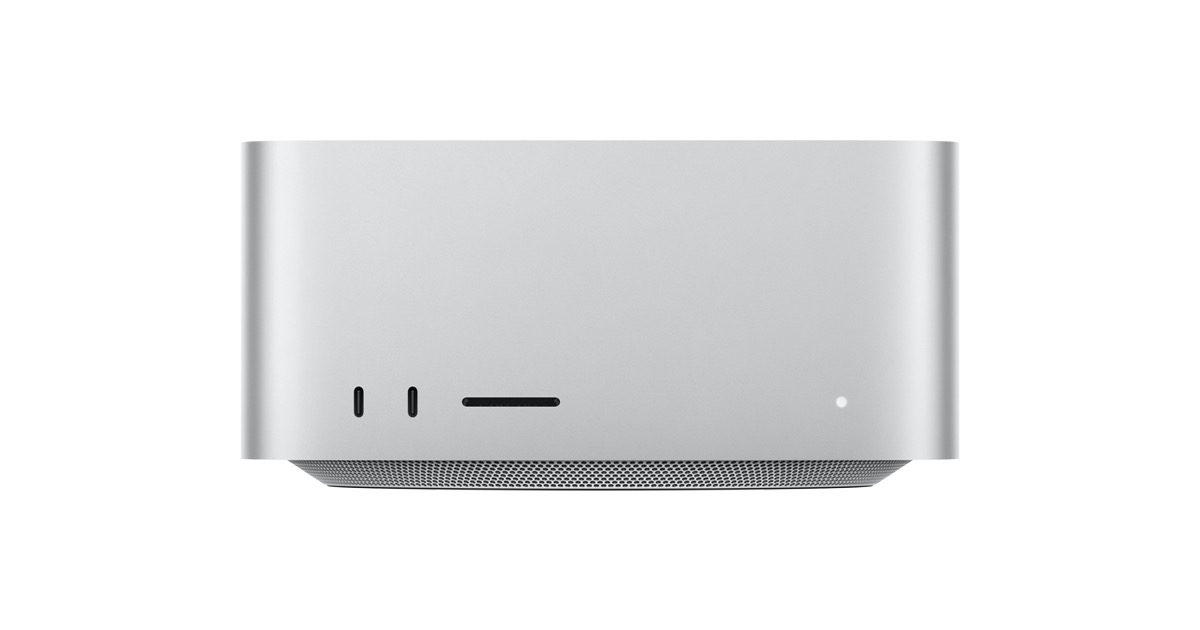
This setup is about local performance capacity: more unified memory, stronger sustained throughput, and better concurrency for heavier model runs.
It keeps the same OpenClaw workflow and look/feel as my M1 setup, but gives me room to run bigger local models and additional background tasks.
The tradeoff is cost and power draw, but for advanced self-hosted AI workflows the extra headroom is often worth it.
The Good
- • More headroom for larger local models
- • Handles parallel model tasks more comfortably
- • Same OpenClaw workflow pattern as the M1 setup
- • Strong sustained performance for long runs
Watchouts
- • Higher upfront hardware cost
- • Higher power usage than the M1 Mini
- • Still requires active maintenance and tuning
No commercial relationship. This is part of my real self-hosted stack.