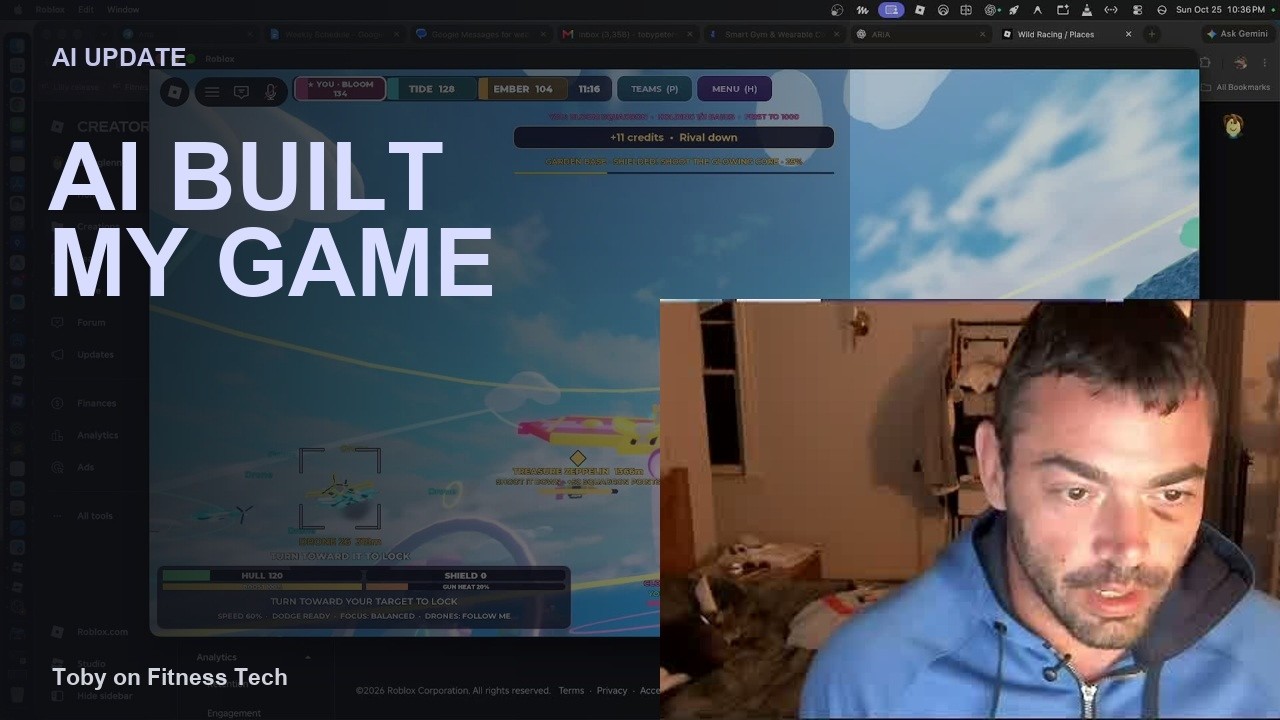
What changed my mind about Muse
Browser work, channel cleanup, website help, and GitHub connections gave me a clearer reason to use Muse alongside my other AI tools.

I initially dismissed Muse because I wasn't finding much use for it. In my October 21 livestream, I came back to that opinion with a different view: the practical tasks were starting to make its value much clearer.
The change came from finding places for it in work I already needed to do: cleaning up channel information, helping with my website, handling browser tasks, and connecting to repositories. Those examples were more useful to me than treating it as another chatbot to compare in isolation.
First, I had to untangle the desktop apps
Part of my early frustration was that I had been dealing with two different desktop apps: Muse and Meta AI. In the livestream, I described confusing their roles and running into compatibility problems while trying to get the setup working on my Mac.
Once I had the Muse app installed and working, I had a clearer basis for judging what it could do. That changed the experience I was evaluating. It also reinforced how much the surrounding app matters: similar-looking interfaces do not necessarily provide the same tools.
Browser work gave it a practical role
One example I discussed was cleaning up Twitch-channel information so it was relevant. I also described using Muse for website help and other browser work.
These are the kinds of jobs that make an assistant useful in an ordinary week. There is information to update, a page to work through, or a task that lives inside an existing service. Having an assistant that can participate in that work gives me a reason to return to it.
I wasn't describing Muse as a replacement for every other tool. I still had reasons to use other models for more demanding work. The point was that Muse had earned a more practical place in the mix than my earlier assessment gave it.
GitHub connections widened the possibilities
Later in the stream, I talked about being able to connect Muse to GitHub repositories, something I had not been able to do when I first tried it.
For someone working across websites and software projects, repository access is a meaningful addition. It connects the assistant to a place where the work already lives, rather than leaving every interaction disconnected from the project.
That was part of why I wanted to revisit my opinion. The version of the experience I was using in October offered connections I had previously found missing.
Everyday requests matter too
I also described asking Muse to watch for a Quest headset below a price threshold after I missed an earlier sale. That is a different kind of request from working on a repository, but it belongs in the same picture: an assistant should be useful beyond coding.
A later sale is not evidence that my request caused a price change, and the example does not establish that an alert was delivered. What it does show is the sort of everyday task I was asking the assistant to help with.
A more useful place in my workflow
My updated view was straightforward: I had underestimated Muse. Browser tasks, channel maintenance, website help, and repository connections gave it more practical value for me than I had initially recognized.
This is a snapshot of my experience in that livestream, rather than a promise that every account, app version, or website behaves the same way. You can watch the Muse discussion from about 18 minutes, or jump to the repository and everyday-task examples.
Go deeper
Follow the AgentStack system from build notes to daily episodes
The AI work has its own path now: implementation reports, daily analysis, and the podcast archive.